

Design school teaches you to design a room. CA Pro teaches you to run a studio.
After nearly a decade working alongside the best interior designers in the world, we kept hearing the same thing: a lot of this job isn’t design. So we created Create Academy Pro, based on unprecedented insights from the working studios of leading designers.
The first cohort started 14 October.
$1,600Join now and start straight away · One payment, not a subscription · Full refund available within 30 days of purchase.


Create Academy Pro will equip you with the tools you need for this profession.
Achieving great design isn’t just style and taste. It’s process, finance and drive. CA Pro closes the gap
The British Institute of Interior Design found that 80% of designers won’t publish their fees, and half struggle to price projects and manage studio logistics.
Everyone learns colour, proportion and style at design school. Almost nobody is taught to price a job, hold a budget, run a client who keeps changing their mind, or use AI without cutting corners.
View course syllabusWhat you’ll be able to do
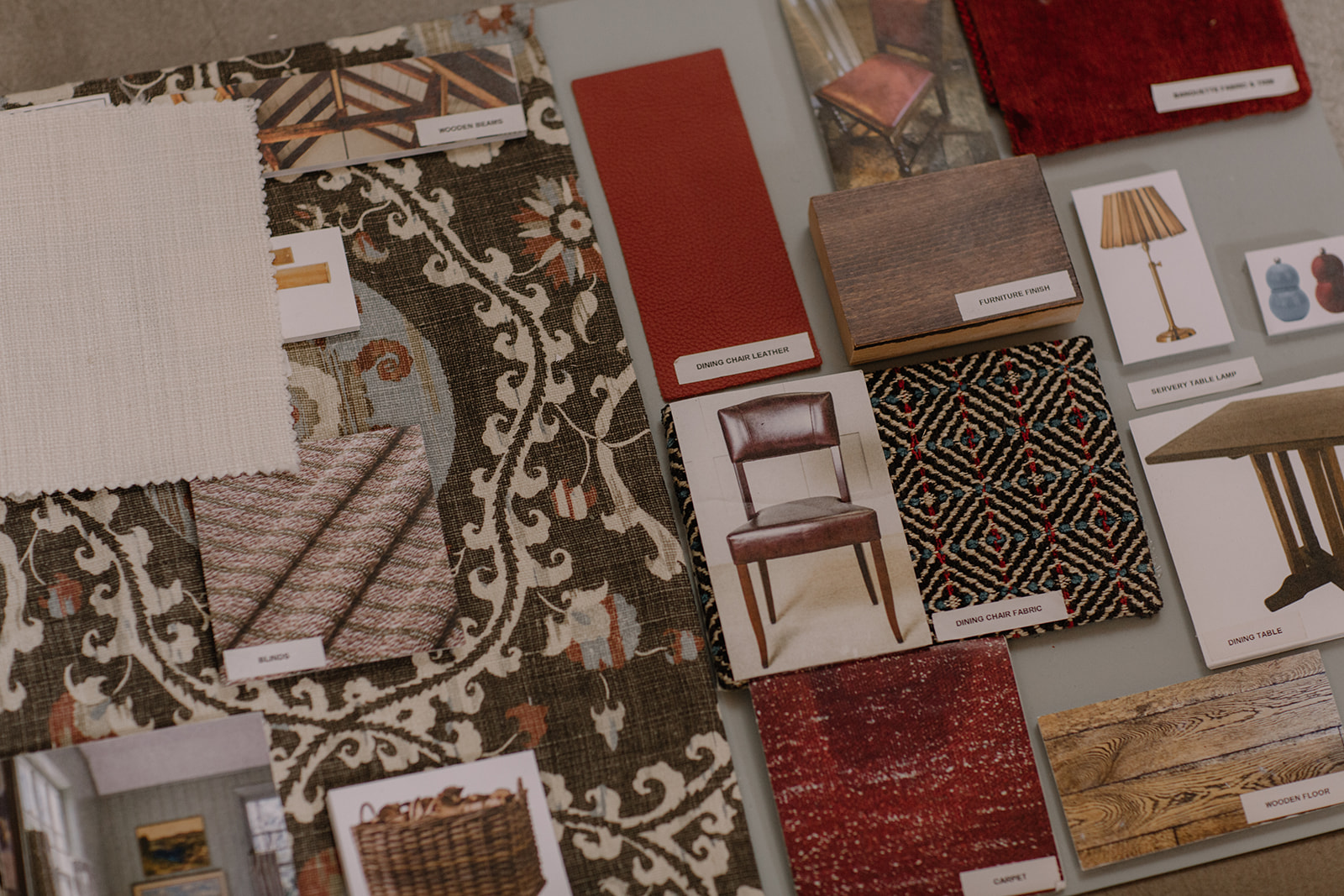
Run a project
- Scope and price a project so you make money
- Build a budget and understand how to hold it
- Run a client from first meeting to final handover
- Present schemes so they get a yes
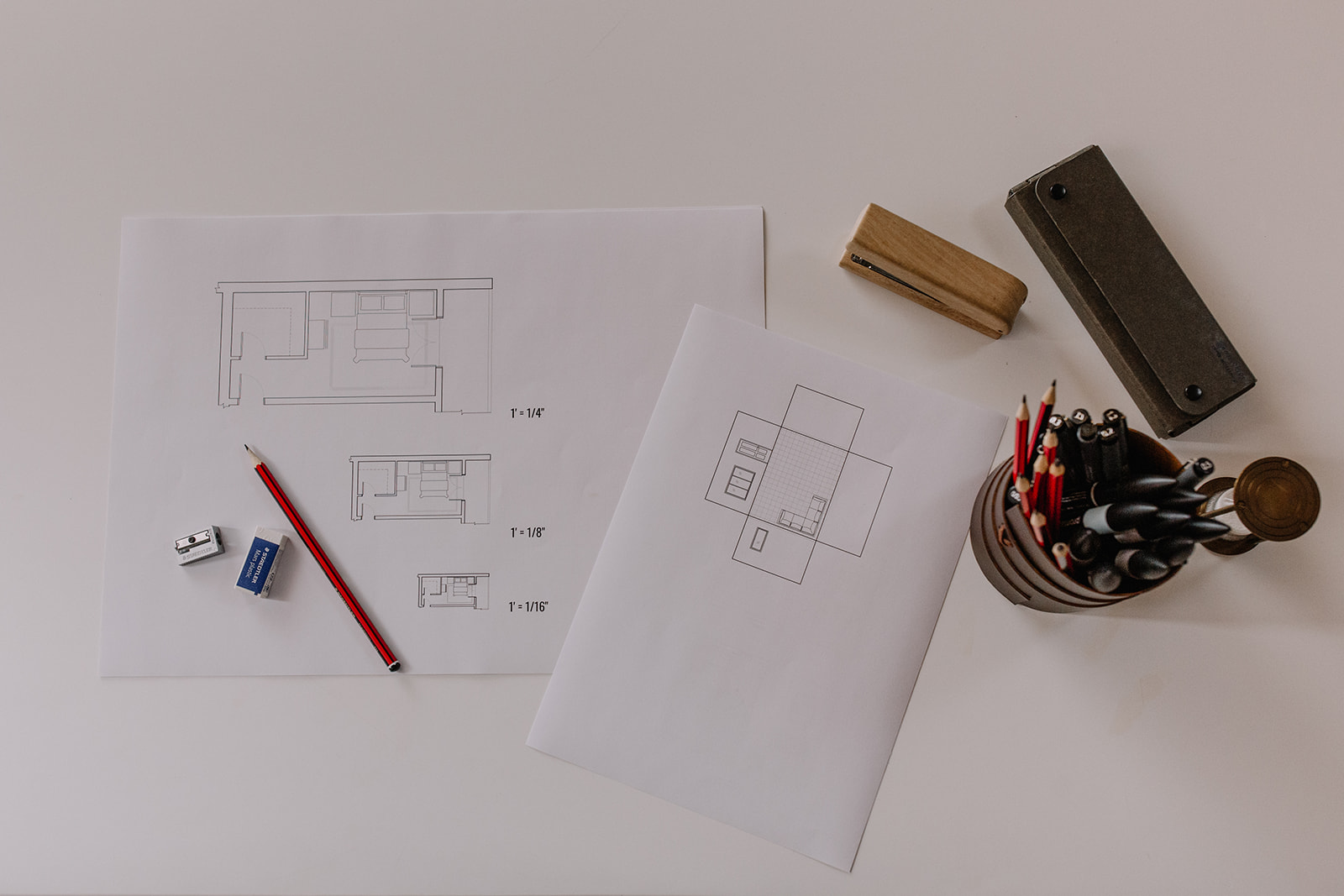
Master the technicalities
- Model a room in SketchUp from scratch
- Draw plans and elevations properly
- Write an FF&E schedule suppliers understand
- Use AI the way studios use it
How CA Pro is different
| University diploma | CA Pro | |
|---|---|---|
| Time | 1 to 3 years | 9 months, 6 hours a month |
| Cost | £11,000 to £24,000 | $1,600 |
| Fits around work | Rarely | Built for it |
| Who reviews your work | Academic tutors | Working designers |
| Pricing, contracts, clients | An afterthought | Core to the course |
| You finish with | A student portfolio | Documents you can use on a real job |
How you’ll learn
Nine months, three terms, around six hours a month.
Term one opened 14 October, term two in January, term three in April.
-
01The term’s lessons are released. Three months of filmed lessons at once, alongside industry templates and resources. Work through them at your own pace. Questions? Put them in the group and a working designer will reply.
-
02You do the work. A budget, a schedule, a drawing, a proposal. Every lesson results in you making something.
-
03You submit it and get feedback. Once a month a working designer gives real feedback.
-
04Then the next term drops. Build on concepts from the previous term and learn new skills.
Who it’s for
Making the leap
You’ve designed for friends, for yourself, and now you want to build a career. You don’t need more inspiration. You need to understand how to run real projects so when you’re paid to deliver, you can.
Already working
You’ve picked up as much as you can on the job. Maybe you’ve become fluent in the design, but you freeze on fees. Maybe you’re strong commercially but struggle on technical skills. CA Pro is nine months of what nobody taught you, without leaving your job.
Course syllabus
Business & Professional Skills
3 modules taught by Joanna Draper
01 The professional designer's process
- Meet your course leader In this introduction, Joanna Draper - former head of interior design at Nina Campbell - shares her unconventional path from NHS surgeon to interior...
- The designer's journey: from idea to installation An introduction to interior design as a professional process rather than a single creative moment, mapping the six stages of a project and...
- How to communicate as an interior designer This lesson shows that everything a designer does is communication. When it's strong, projects run better; when it's weak, even good ideas can fall...
- The power of documentation Drawings, schedules, and specifications - the holy trinity of documentation - are introduced here, along with the coding and version control...
- Building and presenting design concepts Presenting concepts to a client for the first time is a key moment to build trust. This lesson shows how concept presentations and moodboards are...
- Professional etiquette Etiquette isn't manners - it's the steady beat that allows clients to really trust you. This lesson explores how consistency, boundaries, and...
02 How studios really work
- Who's who and how it all fits together This lesson reveals the structure of an interior design studio at different scales, introduces the key roles inside one, and explains what each...
- How studios make money The three main revenue models used by design studios - fee-based, mark-up, and hybrid - are explored here, alongside an honest look at the...
- How fees are calculated Here, Joanna breaks down how design fees are structured, introduces the concept of utilisation, and explains what a sustainable rate must actually...
- The life of a project This lesson follows the full commercial shape of a project from first enquiry to aftercare, showing where revenue begins, where risk sits, and what...
03 Budgets, finance and FF&E
- Building a FF&E budget The budget is introduced as a design tool rather than a restriction, with a practical walkthrough of how to build a room-by-room FF&E budget...
- Working with suppliers & quotes This lesson follows the purchasing lifecycle from supplier enquiry to final invoice, and makes the case for precision at every stage - because...
- Tracking the budget Money, product, and time - the three components of project tracking are introduced here, and why all three must be visible simultaneously for a...
- Talking money with clients How to present a budget with confidence, handle scope changes and items above allowance, and why financial clarity is an act of professional care...
- Farewell from Joanna A final word from Joanna, and a few thoughts on putting everything you’ve learnt so far into practice.
Technical Skills
4 modules taught by Audrey Noakes
04 The fundamentals of drawing
- Meet your course leader Audrey Noakes has been teaching technical skills to designers for over a decade, both at KLC and in her own practice. In this lesson she shares her...
- Introduction to drawing in interior design This lesson establishes why drawing is the professional language of interior design - not an artistic performance - and introduces the two broad...
- Freehand sketches & concept drawings Before going digital, Audrey explains the fundamentals of freehand sketching, allowing you to understand principles that will then be taken into...
- 2D drawing (Part 1) The governing principles of 2D drawing are introduced here - orthographic projection and scale - explaining what they are and why they exist.
- 2D drawing (Part 2) Building on Part 1, this lesson walks through the three main 2D drawing types used in interior design - floor plans, elevations, and sections - and...
- 3D drawing (Part 1) Perspective drawing is introduced as a discovered set of rules rather than a natural instinct, with one-point perspective demonstrated step by step...
- 3D drawing (Part 2) Two-point perspective is demonstrated here, alongside an introduction to oblique and isometric drawings, and a look at how digital tools and...
05 Essential digital tools in design
- Introduction to digital tools in interior design An overview of the digital landscape - CAD, BIM, graphics, rendering, and tablet applications - introducing the main programs a designer is likely...
- Different approaches to digital tools and learning software This lesson addresses how to choose the right tools for your practice, how to adopt the internal logic of new software rather than fighting it, and...
- Communicating with digital drawings The focus here is on how digital work is shared with different audiences - what format, what file type, and what context is needed for each.
06 SketchUp fundamentals
- Key principles (Part 1) SketchUp is introduced alongside the key principles that govern how it works - the modelling area, the axes, and the fundamental building blocks of...
- Key principles (Part 2) Part 2 covers the organisational tools - groups, components, and tags - alongside materials, shadows, styles, and the camera and scenes system that...
- Getting started - file setup and modelling architecture (Part 1) A practical walkthrough of setting up a SketchUp file, importing a CAD floor plan, and using the Push/Pull tool to begin turning a flat drawing...
- Getting started - file setup and modelling architecture (Part 2) Completing the architecture model - placing windows and doors from the 3D Warehouse, closing wall gaps, organising with groups and tags, and adding...
- Developing detail - furniture, fixtures, and finishes With the architecture in place, this lesson covers adding moulding using the Follow Me tool, creating custom floor materials, and sourcing and...
- SketchUp for client communication This lesson covers how to set up presentation-ready views using the Position Camera tool, save scenes, adjust shadows and styles, and export...
- From concept to documentation Creating a colour plan view using a section plane is demonstrated here, alongside an honest look at where SketchUp and LayOut are most effective,...
07 AI in the design process
- What AI can (and can't) do in design A level-headed introduction to what AI actually is in the design context - pattern recognition, not creativity - covering its genuine benefits, its...
- Prompting and iterating for creative exploration (Part 1) The structure of an effective prompt is introduced here - defining the role, providing context, specifying the output, and clarifying the image's...
- Prompting and iterating for creative exploration (Part 2) Part 2 explores cyclical prompting - using AI to help build the prompt before generating anything - and demonstrates the technique in action across...
- Evaluating and integrating AI's output This lesson develops the eye for what can go wrong in AI output - scale, circulation, lighting, material realism, people - and addresses how to use...
- Risks, ethics, and the future of AI in design Intellectual property, bias, environmental cost, and the limits of AI-generated drawings are addressed here, alongside a look at where AI is...
Taught by people who’ve run the projects
Two programme leads, and a panel of working designers marking the work.

Joanna Draper

Audrey Noakes
One payment. Then it’s yours to keep.
- All lessons covering business, finance and technical skills
- Monthly review of your work by working designers
- Full access to your cohort's online community
- Every studio template
- PRO Certificate of Completion
- A year of Create Academy, 60+ courses
Frequently asked questions
Is this a subscription, or a one-off payment?
It's a single, one-off payment - not a subscription. Your year of Create Academy membership is included as part of that payment, not as an ongoing subscription, so nothing renews and you won't be billed again.
What if I change my mind?
You're covered by a 30-day money-back guarantee, running from the day you pay.
Is any of it in person, or is it pre-recorded?
CA Pro is delivered entirely through video lessons - there are no in-person sessions. It runs online for all nine months.
How is this different from a diploma?
A diploma takes one to three years and costs upwards of £11,000, leaving you academically qualified. CA Pro takes nine months and leaves you with a portfolio of real work you can show to clients and studios. It has been built specifically to equip you for the profession.
Do I need experience or software to start?
No. Roughly half of each cohort is coming into the industry rather than already working in it. You'll need SketchUp, and our instructor Audrey teaches it from scratch - no prior experience required.
When does the programme begin?
CA Pro begins on 14 October.
How long does the programme run, and how much time will it take?
CA Pro runs for nine months, with around six hours of real work a month - more if you want to push further, less in the weeks that get busy. Modules are released by term - once a quarter - so the cohort moves through the programme together.
Who gives feedback on my work?
Your work is reviewed by interior designers who are working in the industry and in studios today. They feed back on your work once a month.
What if I fall behind?
You keep access to every lesson and module from CA Pro for the full nine months and thereafter. Whether you fall behind or not - nothing will expire. It's only the monthly feedback sessions that run to a set structure, so if a project eats into your November, you simply pick the task back up in your own time and rejoin the feedback rhythm when you're ready.
Will I be part of a community?
Yes community is a real part of CA Pro. Each cohort gets its own community chat, where you and the others on your intake can share work, ask questions and support each other for the full nine months. By the end, you won't just have completed a programme - you'll have a network of fellow designers who've been through it alongside you.
What about VAT?
If you are in the UK and would like a VAT receipt, or if you have any other queries, please email info@createacademy.com.
Cohort one started 14 October
$1,600. One payment. Nothing about Pro renews.
Join the founding cohort