
Interior and exterior confidence
Create Academy has been such a great resource. I'm in the middle of renovating a bungalow with a very large garden and the courses have offered a wealth of inform...
Harvey
Jun 10, 2026
Garden & Landscape Photography Masterclass
with JASON INGRAM — UK's leading garden and landscape photographer. Garden Media Guild 'Photographer of the Year'.
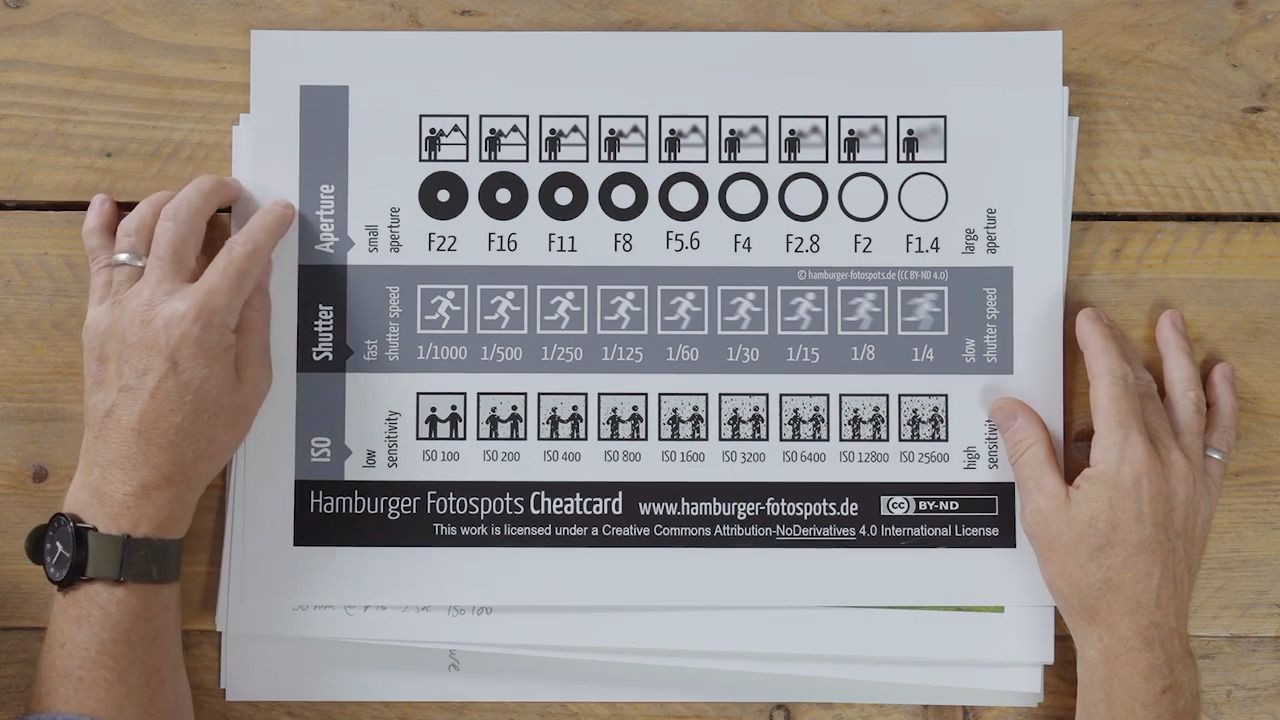
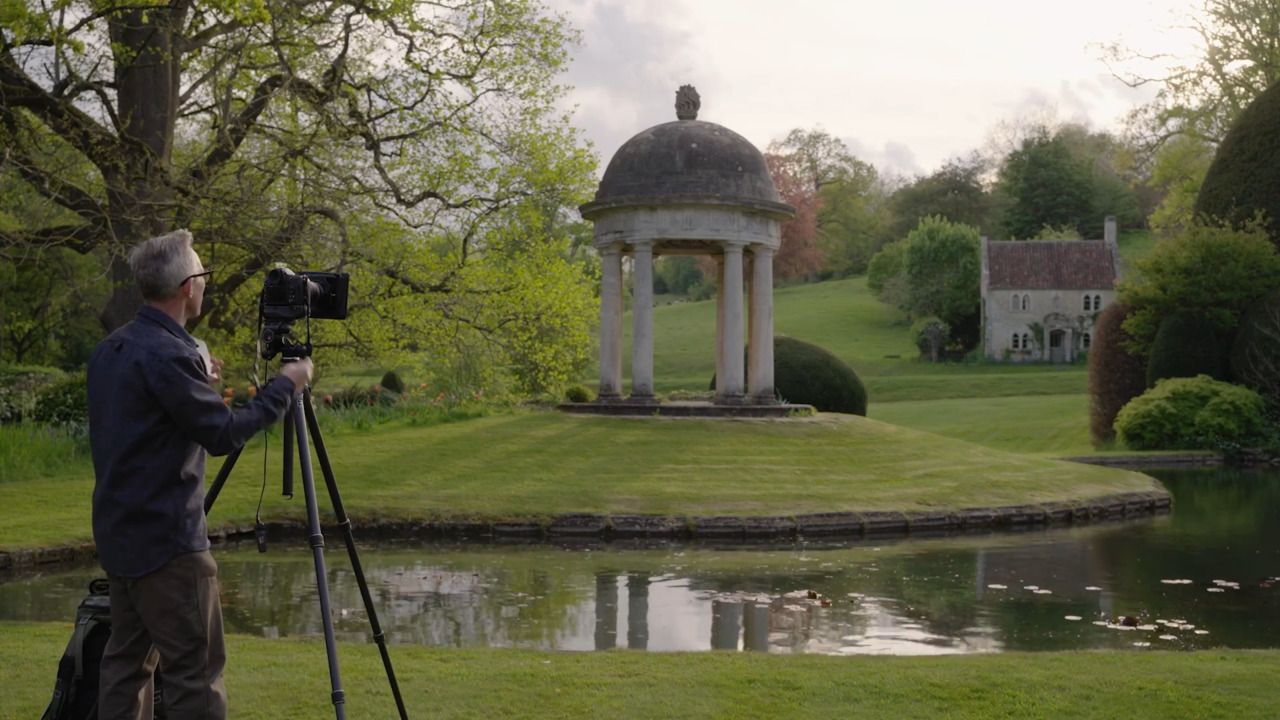
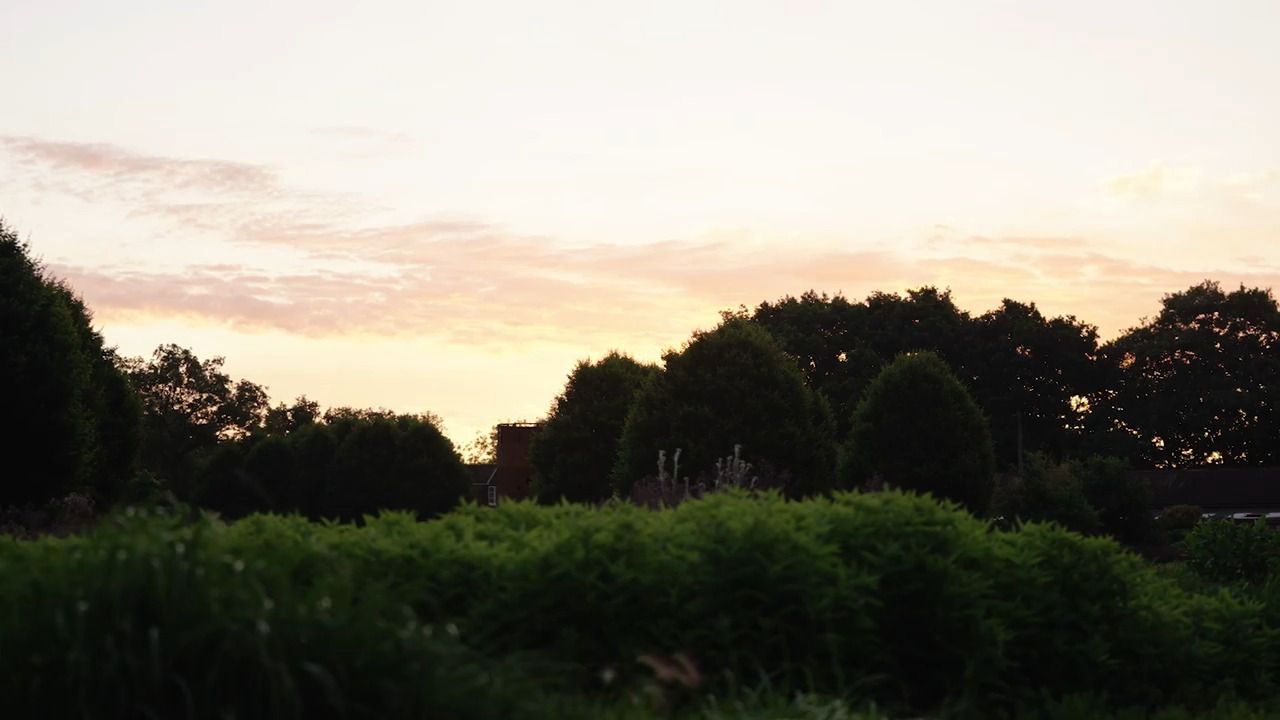
Building on your new understanding of how exposure works, this lesson encourages you to begin manually experimenting with different settings, as well as unpacking how to create ‘high-key’ and ‘low-key’ images, photographs that expose in a particular way to get a specific effect.
Once you have an understanding of how the exposure triangle works and begin to manually experiment with aperture, shutter speed and ISO, you'll gain much more creative control when taking photographs.
Getting to grips with adjusting the settings of your camera manually is well worth doing, as it gives you the opportunity to have total control over how a photograph will look. It will also help you when you're shooting using automatic settings, as you'll have a greater awareness of exactly what the camera is doing.
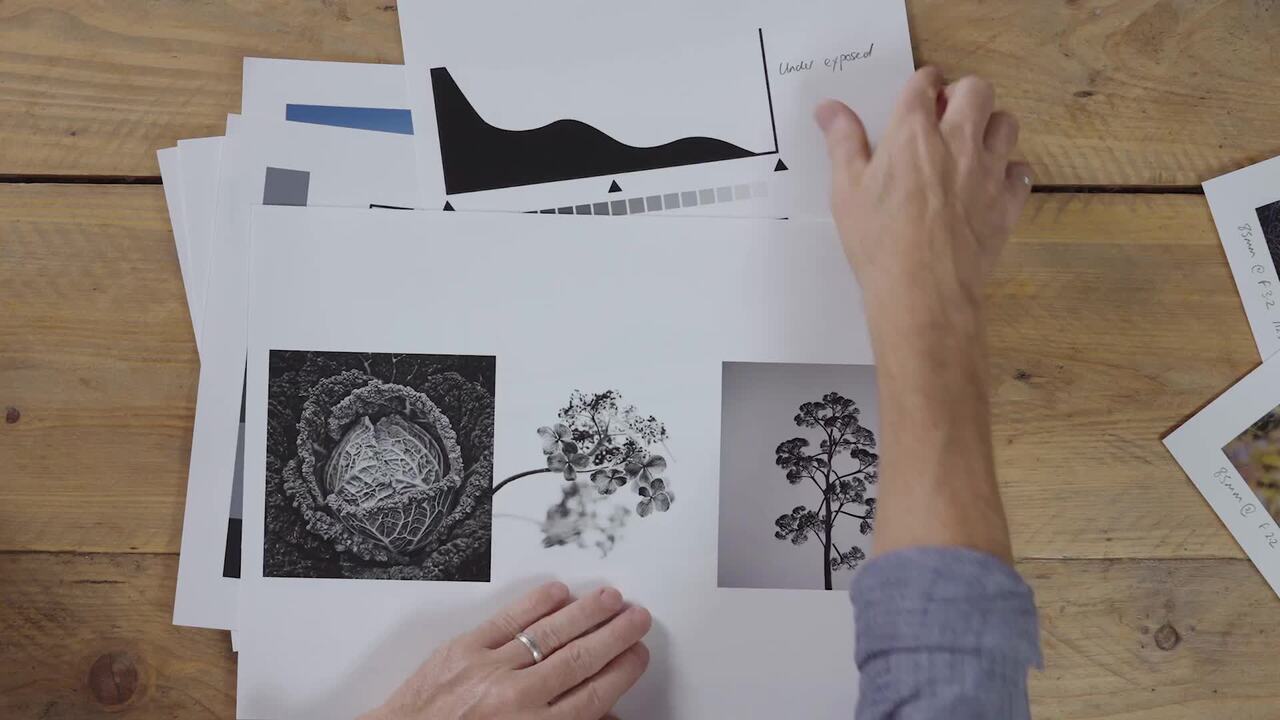
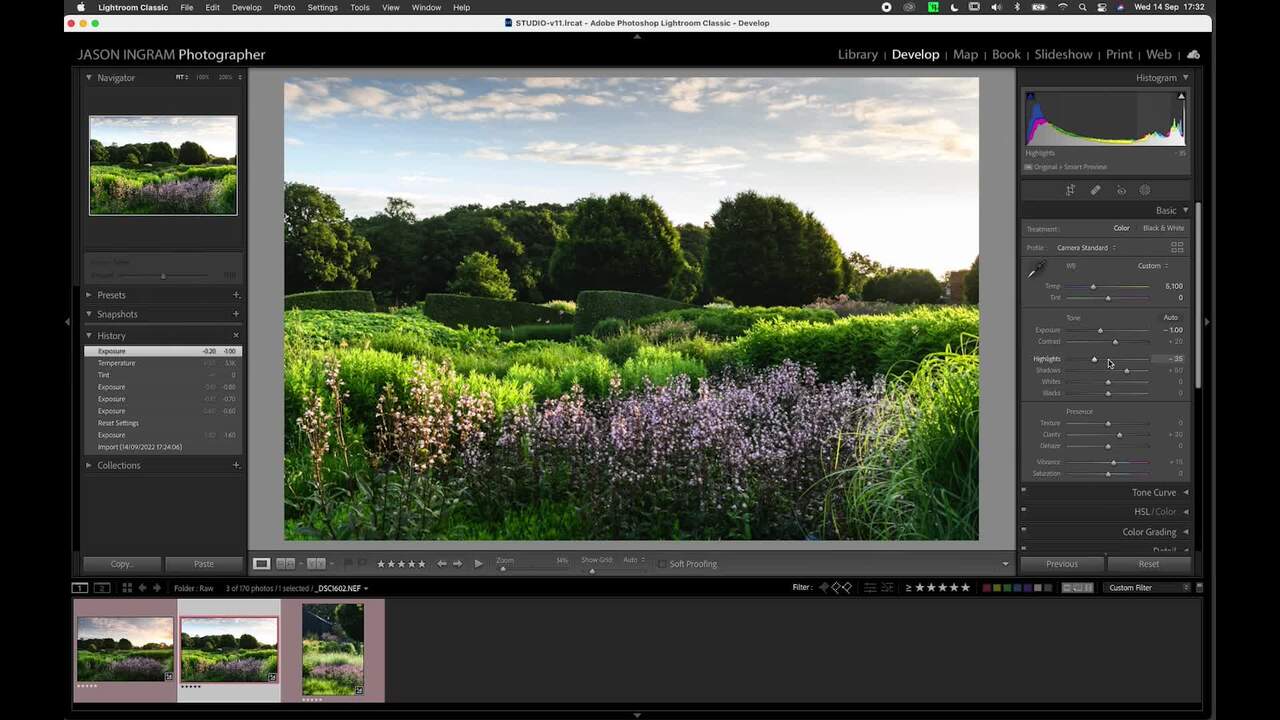
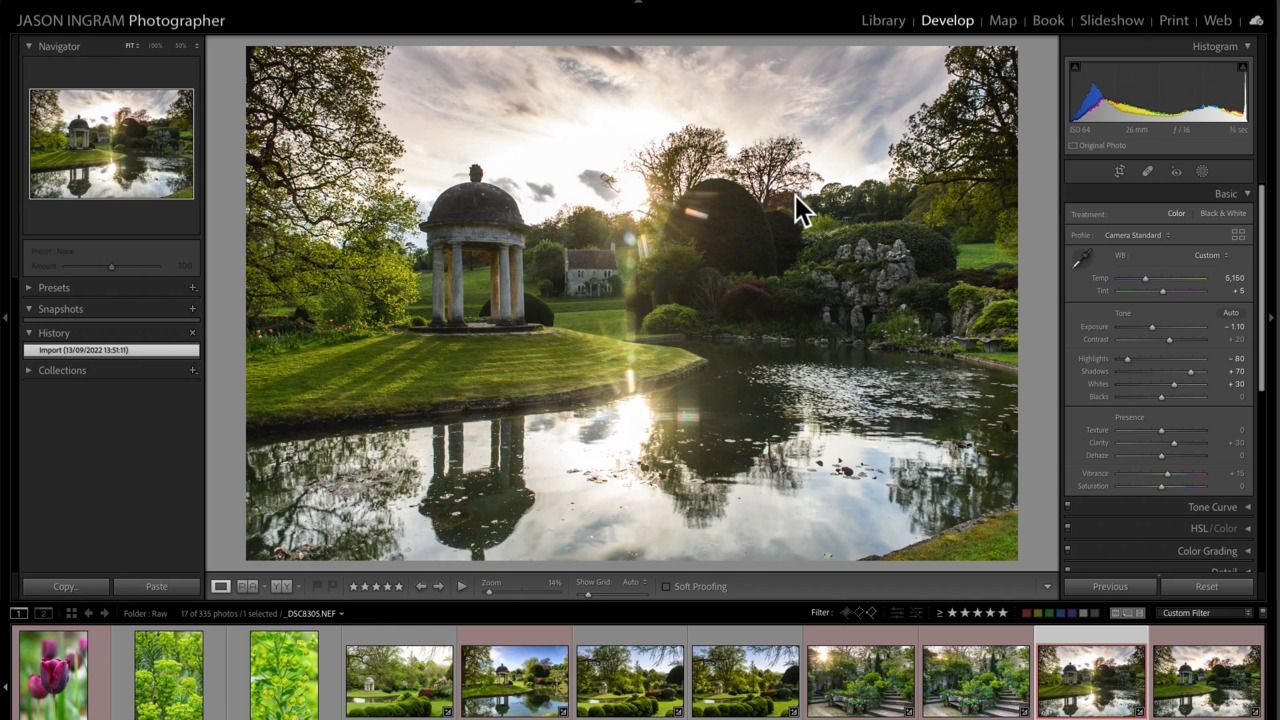
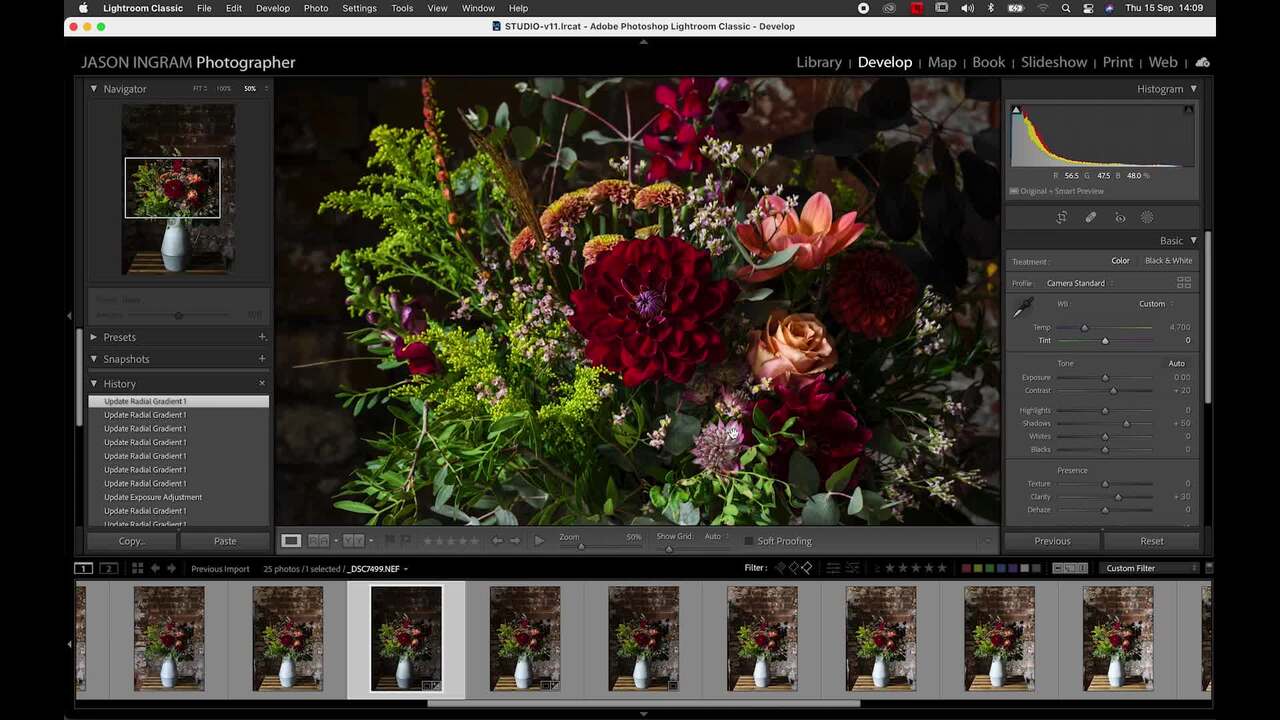
As well as the exposure triangle, being able to read a histogram is another way to better understand how a photograph has been exposed. Most cameras can display a histogram of an image after it's been shot, and some cameras are able to show a live histogram before you take the shot.
The levels of shadows will be shown on the left, your highlights on the right, and your mid-tones in the middle.
If the shadows are much more prominent than the highlights and the detail is clipped at the left side, it indicates your photograph is underexposed. Similarly, if the highlights are more prominent than the shadows and the detail is clipped at the right side, it is overexposed. For correct exposure, you want the graph to show detail distributed more evenly around the mid-tones, and unclipped.
For example, a high-key image is made up predominantly of the higher, whiter tones. The histogram will show a lot of detail being pushed to the right side.
At the opposite end of the spectrum, a low-key image is more shadowy and dark, and will be represented in a histogram with higher levels on the left side.
Have a go at creating a low-key image and a high-key image.
Observe the differences in the histograms, and experiment by manually adjusting the settings to bring out the shadows more for a low-key image - or the highlights more for a high-key image.
Get the full workbook, video lessons, and more with a Create Academy subscription.
Subscribe to access the full workbookAlready a member? Sign in to watch
Sign up or log in to keep watching
By continuing, you agree to our Terms of Use and Privacy Policy.
491 reviews
Read moreCreate Academy has been such a great resource. I'm in the middle of renovating a bungalow with a very large garden and the courses have offered a wealth of inform...
Harvey
Jun 10, 2026
Absolutely love Create Academy! The instructors are extremely informative, and it is beautifully filmed. Create Academy is great value for money and plan on renew...
SG
May 31, 2026
Butter's creativity is stunning! Her ability to incorporate brilliance in small gardens is magical!
Carla
May 30, 2026
The best adventure. I like all the courses, but my favorite are both Rita Konig interior design courses and Anna Jones. Excellent!
Karolina Kluczewska
May 20, 2026
Create Academy has been such a great resource. I'm in the middle of renovating a bungalow with a very large garden and the courses have offered a wealth of information to dive into and explore new ideas. I'm...
Harvey
Jun 10, 2026
Absolutely love Create Academy! The instructors are extremely informative, and it is beautifully filmed. Create Academy is great value for money and plan on renewing my subscription yearly because there are ...
SG
May 31, 2026
Butter's creativity is stunning! Her ability to incorporate brilliance in small gardens is magical!
Carla
May 30, 2026

Your Instructor
UK's leading garden and landscape photographer. Garden Media Guild 'Photographer of the Year'.
Jason Ingram is an award-winning garden photographer based in Bristol. He travels widely photographing gardens, plants and people for the UK’s leading magazines and provides photography for numerous best selling gardening books by top international garden designers. In 2022, 2021, 2020, 2019, 2014 and 2013 he was awarded ‘Garden Photographer of the Year’ by The Garden Media Guild and ‘Features Photographer of the Year’ in 2019 and 2016. For his personal work, Jason has been photographing the landscape and coastline of Britain for over 25 years, and in 2008 was awarded ‘Landscape Photographer of the Year’ for "Living the View" category. Jason lectures on his work and teaches in-person garden photography courses. His work is held in numerous private collections and he receives regular commissions from HM King Charles III to photograph his private estate at Highgrove, as well as Piet Oudolf’s garden at Hauser & Wirth gallery in Somerset.
Access to all courses


