
Interior and exterior confidence
Create Academy has been such a great resource. I'm in the middle of renovating a bungalow with a very large garden and the courses have offered a wealth of inform...
Harvey
Jun 10, 2026
Garden & Landscape Photography Masterclass
with JASON INGRAM — UK's leading garden and landscape photographer. Garden Media Guild 'Photographer of the Year'.
Lesson 25 of 27
Subscribe to watch
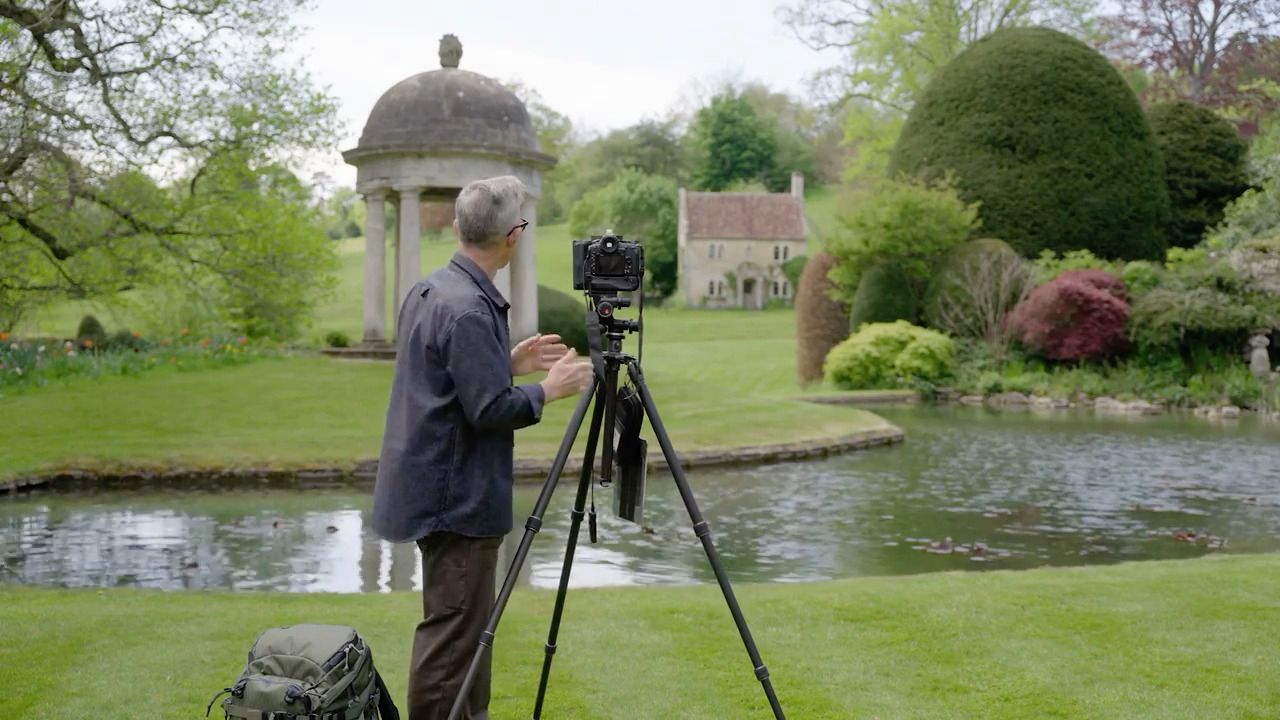
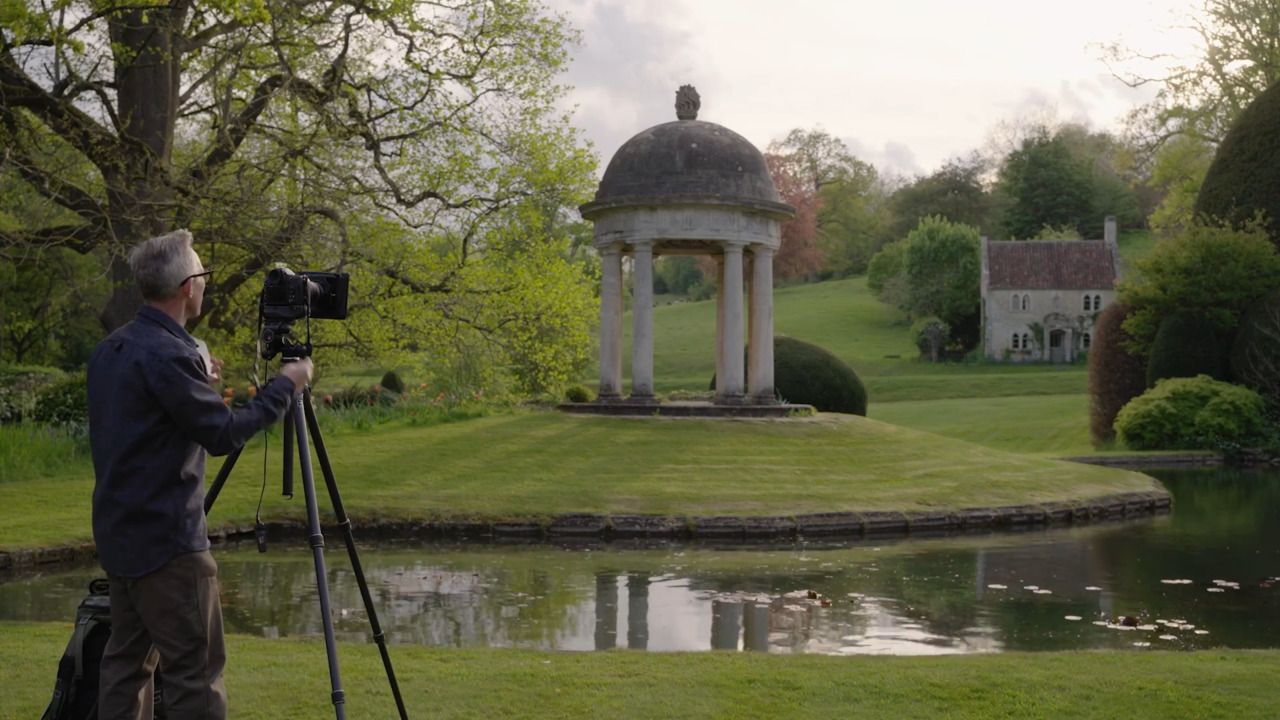
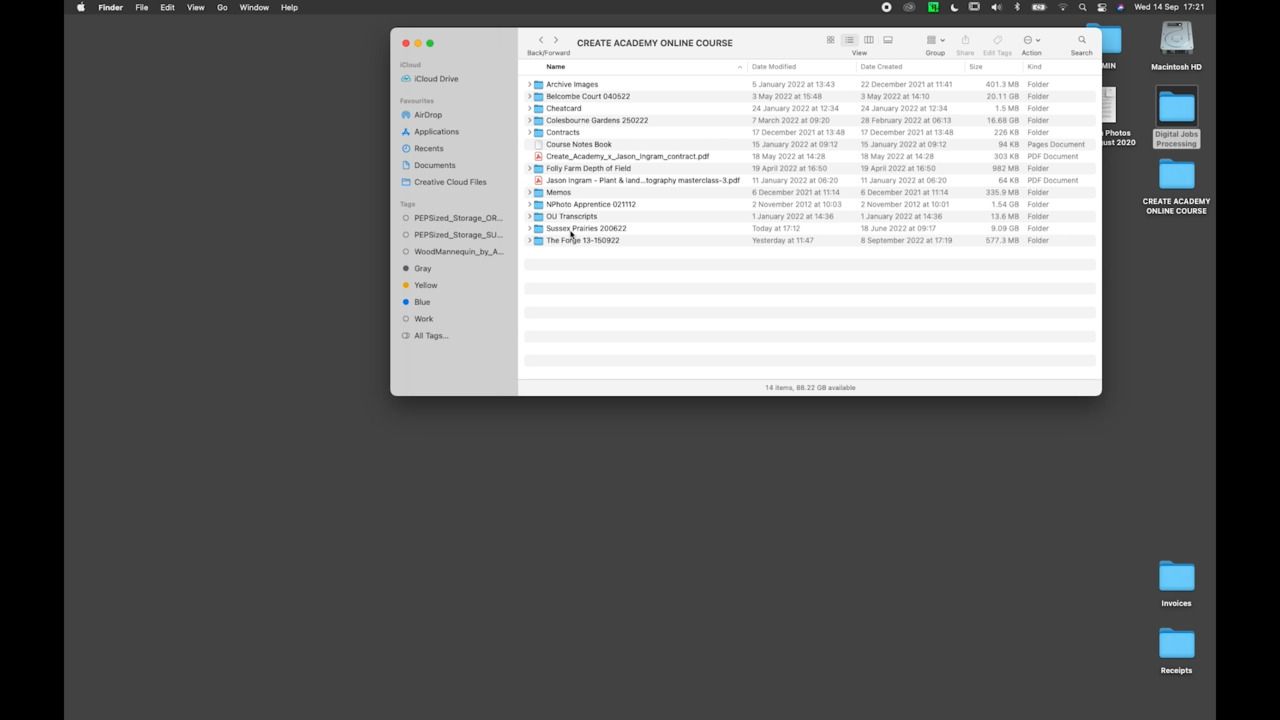
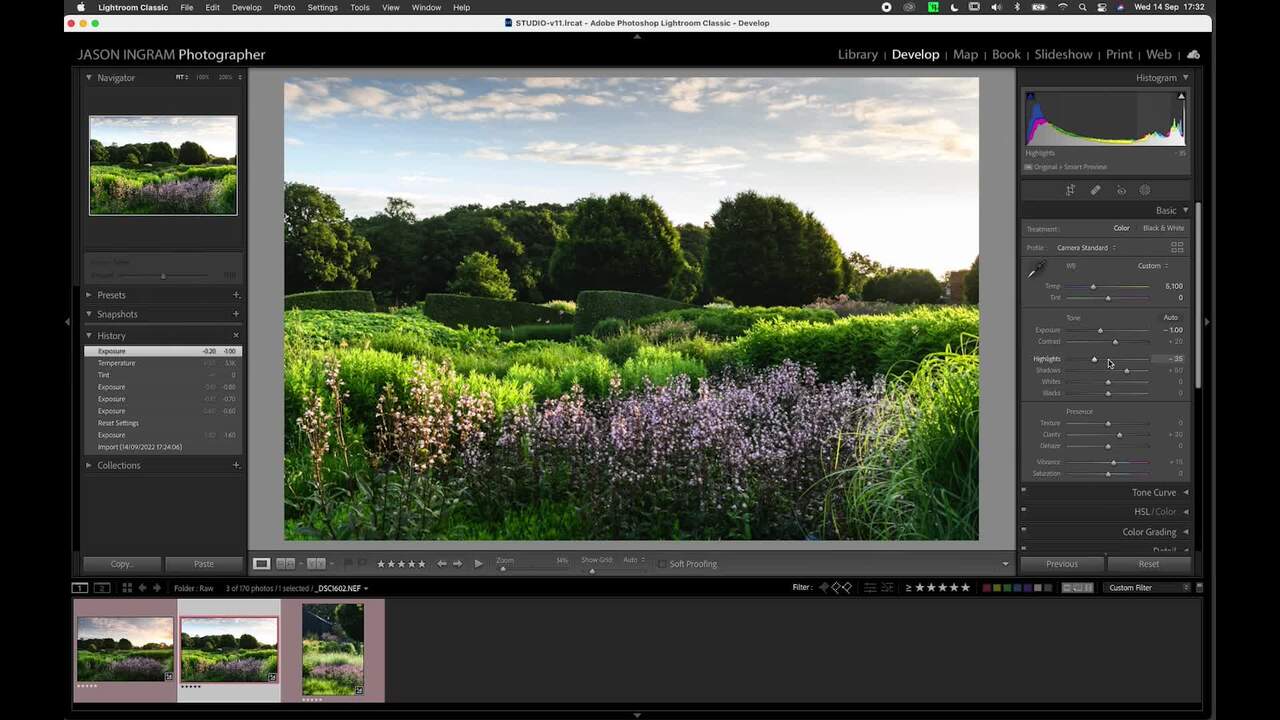
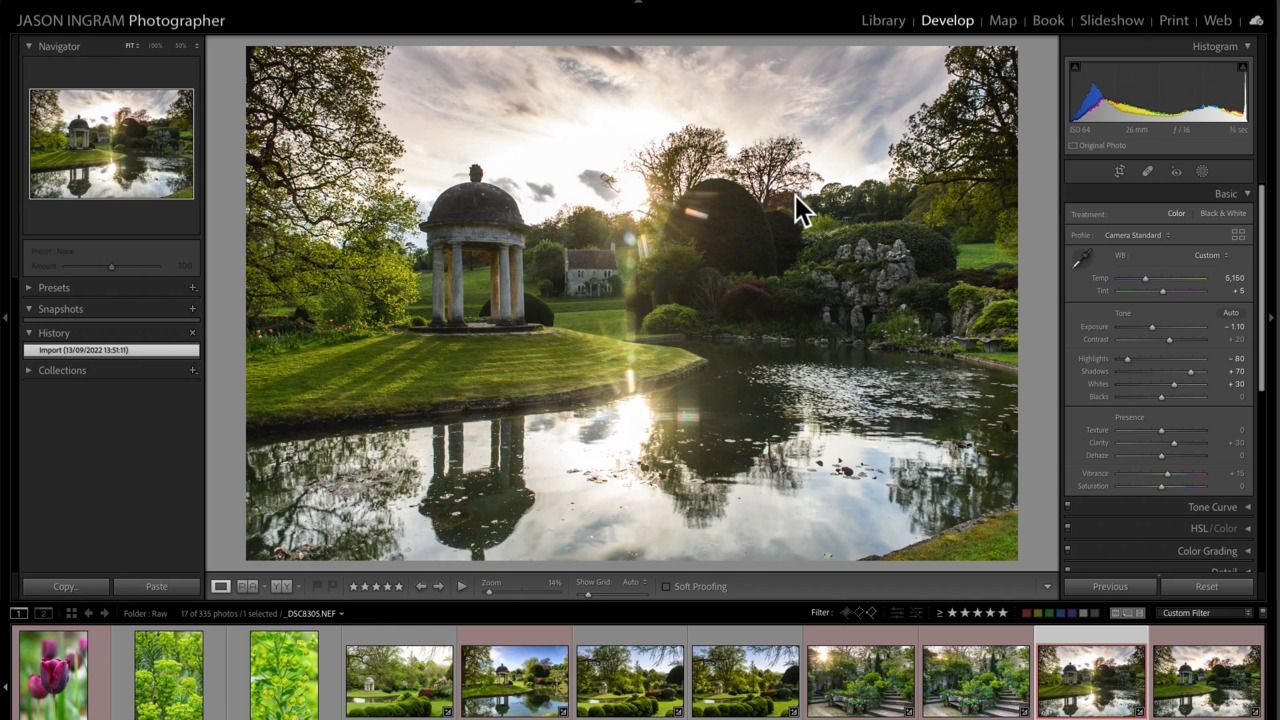
Using an image that he took at Belcombe Court, Jason demonstrates exactly how he edits it in Adobe Lightroom and Photoshop.
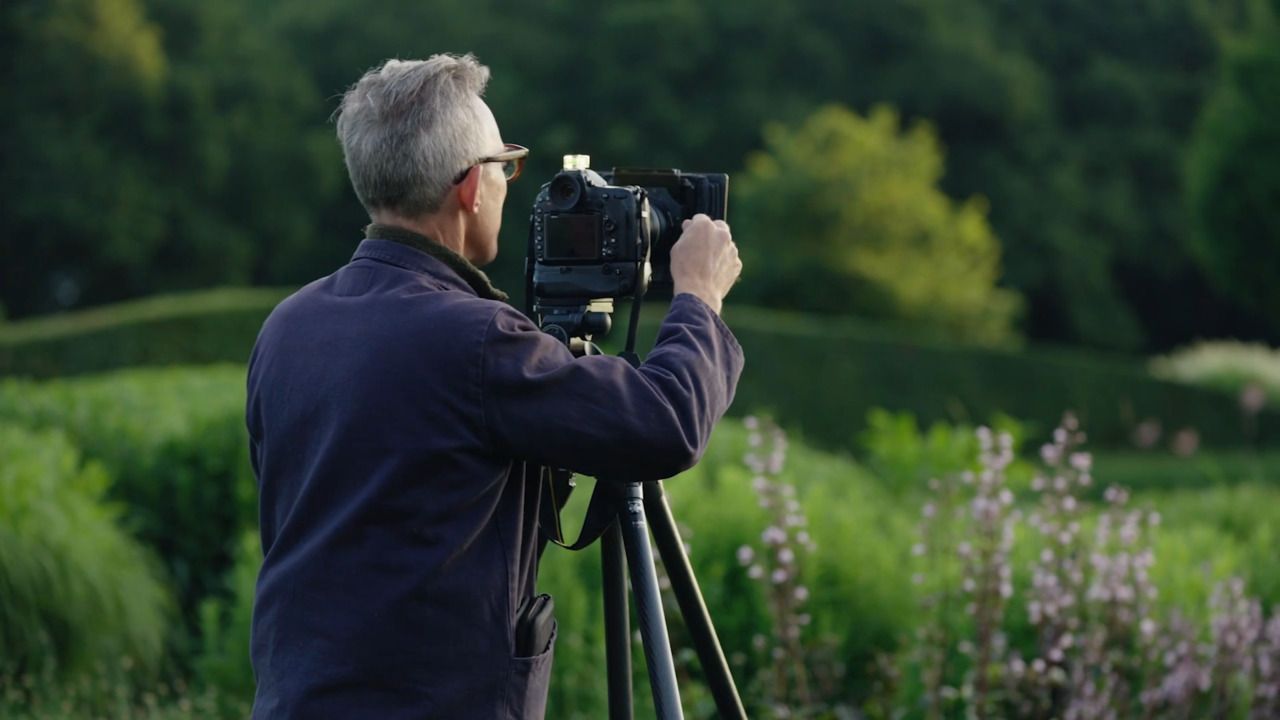
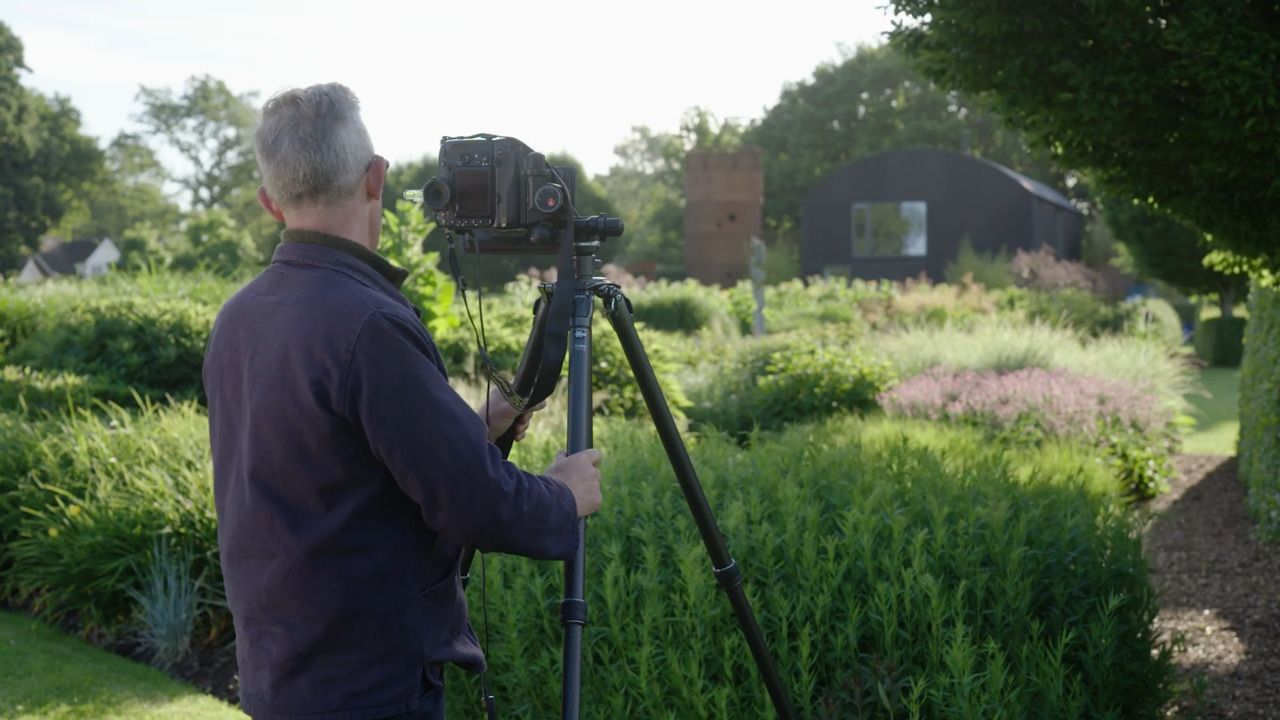
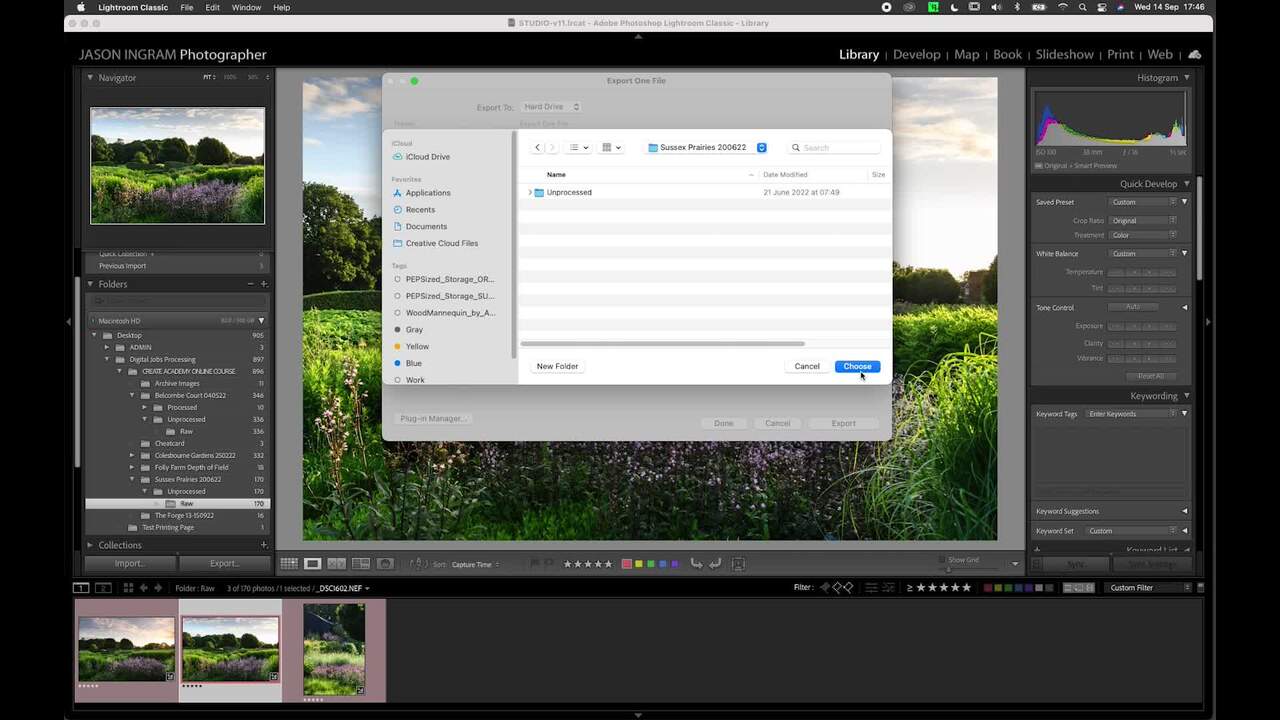
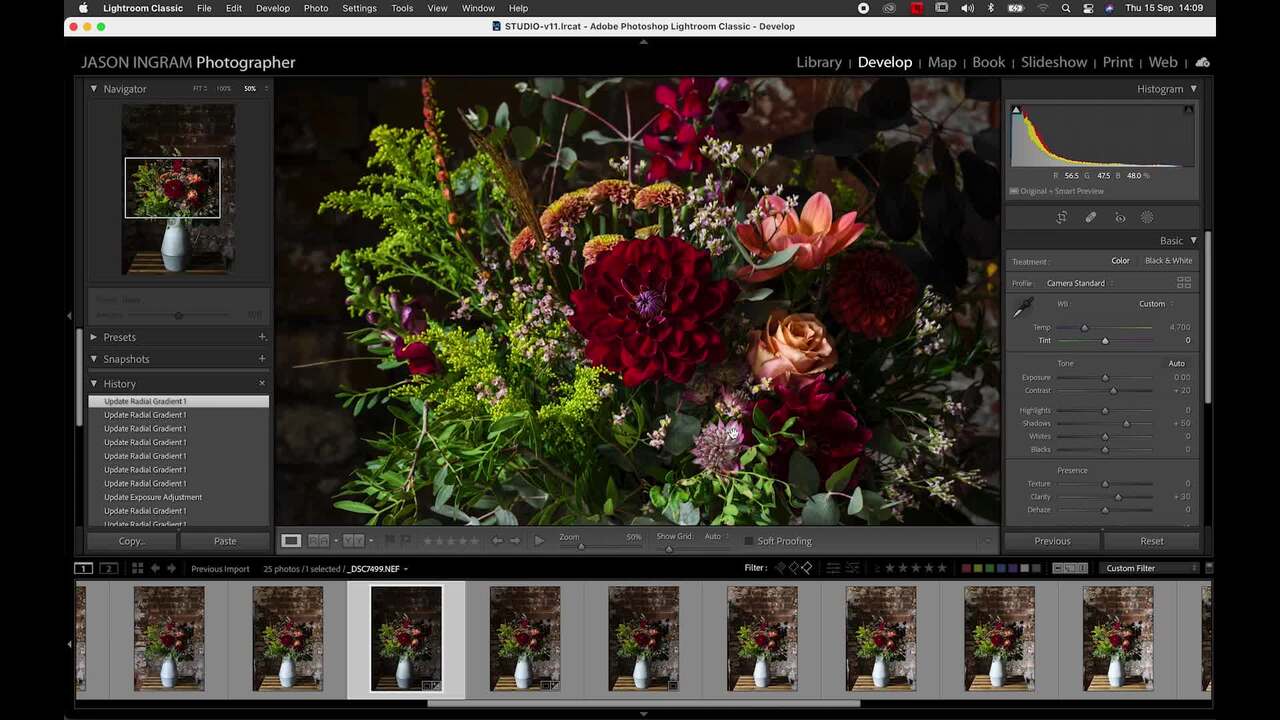
While I try to control the elements as best I can while shooting, there are certain adjustments that are best done post production. In this lesson I show you how to do that in Adobe Lightroom.
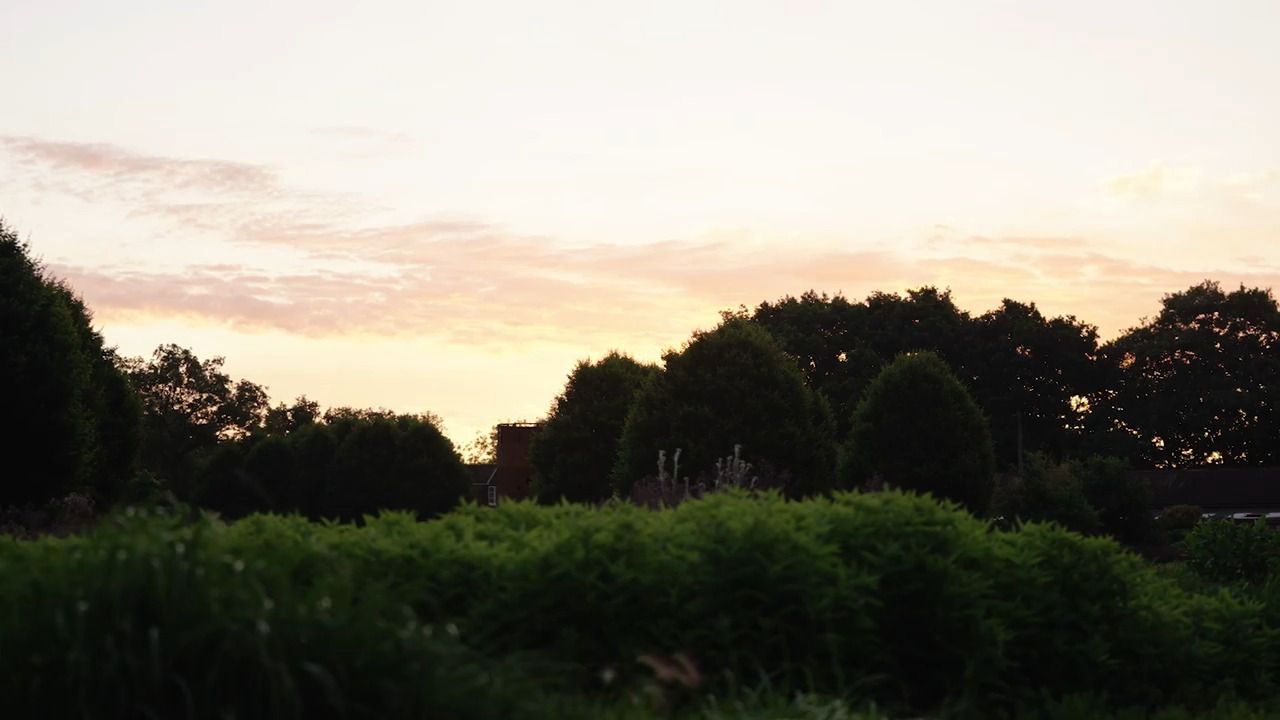
To achieve the image I want, I am going to blend two shots. The first is an earlier shot where I love the shadows beneath the Rotunda, but the sun is too strong and creates glare. The second is a slightly later shot where the sun is perfectly dipped beneath the trees, but the shadows I liked aren't as strong.
Firstly, apply the processing 'preset' I discussed in the previous lesson to both of the images.
Next, click and select both images together. Right click, hover over 'Edit' and select 'Open as layers in Photoshop'.
Once opened, it's really important to check that both layers are completely lined up. Select both layers using the Command key (or Control key on PC), and click on the 'Edit' dropdown menu at the top, then 'Auto-align layers'. Finally, press 'OK'. Both layers will now be perfectly aligned.
Decide exactly which elements of each layer you want to include in your final image.
With the first layer selected, select the 'eraser' tool in the sidebar on the left-hand side. Set the size of the tool to whatever works best for the area you're working on, and begin by setting the 'Hardness' level to 50% - you can experiment with this.
You can then use the 'eraser' tool to rub away the first layer to reveal the elements of the second layer that you like. As you work, check where you are rubbing by clicking on the second layer.
Once you're happy and have completely erased the areas of the top layer that you wanted to, press the 'X' in the top left corner to close the image and you will be prompted to 'Save'. Once saved, the final image will automatically be put back into Lightroom as a TIFF file.
Get the full workbook, video lessons, and more with a Create Academy subscription.
Subscribe to access the full workbookAlready a member? Sign in to watch
491 reviews
Read moreCreate Academy has been such a great resource. I'm in the middle of renovating a bungalow with a very large garden and the courses have offered a wealth of inform...
Harvey
Jun 10, 2026
Absolutely love Create Academy! The instructors are extremely informative, and it is beautifully filmed. Create Academy is great value for money and plan on renew...
SG
May 31, 2026
Butter's creativity is stunning! Her ability to incorporate brilliance in small gardens is magical!
Carla
May 30, 2026
The best adventure. I like all the courses, but my favorite are both Rita Konig interior design courses and Anna Jones. Excellent!
Karolina Kluczewska
May 20, 2026
Create Academy has been such a great resource. I'm in the middle of renovating a bungalow with a very large garden and the courses have offered a wealth of information to dive into and explore new ideas. I'm...
Harvey
Jun 10, 2026
Absolutely love Create Academy! The instructors are extremely informative, and it is beautifully filmed. Create Academy is great value for money and plan on renewing my subscription yearly because there are ...
SG
May 31, 2026
Butter's creativity is stunning! Her ability to incorporate brilliance in small gardens is magical!
Carla
May 30, 2026

Your Instructor
UK's leading garden and landscape photographer. Garden Media Guild 'Photographer of the Year'.
Jason Ingram is an award-winning garden photographer based in Bristol. He travels widely photographing gardens, plants and people for the UK’s leading magazines and provides photography for numerous best selling gardening books by top international garden designers. In 2022, 2021, 2020, 2019, 2014 and 2013 he was awarded ‘Garden Photographer of the Year’ by The Garden Media Guild and ‘Features Photographer of the Year’ in 2019 and 2016. For his personal work, Jason has been photographing the landscape and coastline of Britain for over 25 years, and in 2008 was awarded ‘Landscape Photographer of the Year’ for "Living the View" category. Jason lectures on his work and teaches in-person garden photography courses. His work is held in numerous private collections and he receives regular commissions from HM King Charles III to photograph his private estate at Highgrove, as well as Piet Oudolf’s garden at Hauser & Wirth gallery in Somerset.

Access to all courses


